
Getting paid
Your whole income, already added up.
Card payments, the cash in your purse and what the fees took. Set your dates and Solo has the number, so you are not building a spreadsheet the week it is due.
Cash counted too Fees already deducted Any date range Every payment listed
In detail
The number you need when someone asks.
01
Choose the dates
Set the range you need and the total recalculates, whether that is your tax year, a quarter or last month.
02
Split the way it came in
Card payments, refunds, cash and anything you added by hand, each on its own line.
03
Charged against received
The booking log shows what the client was charged; Stripe transactions show what landed after fees. Both are there.
04
Payouts tracked too
See what has been paid out to your bank and what is still on its way.
Income summary
How it works.
Not just what came through Solo
Cash, bank transfers and payments taken elsewhere can be added by hand, so the total is your real income.
Fees already taken off
Processing fees sit in the expenses line, so the number you are looking at is what you actually kept.
The payments behind it
The booking payment log lists every payment by client and date, so any figure can be traced back.
Getting paid
Money in, without asking twice.
Paid before they arrive
The deposit is taken when they book, and it saves their card at the same time.
The balance on the day
Hold their card to your iPhone for the rest. No reader, nothing to buy.
Counted while you work
Every payment lands in your income, listed by client, with the fees already taken off.
What our customers say
★★★★★
“The app calculates my income, how many people have visited my website and displays my reviews. These stats help me manage and improve my business.”

Kiran Phlora
KPHLO Hair & Makeup · Hairstylist
Learn more
Guides on income summary.
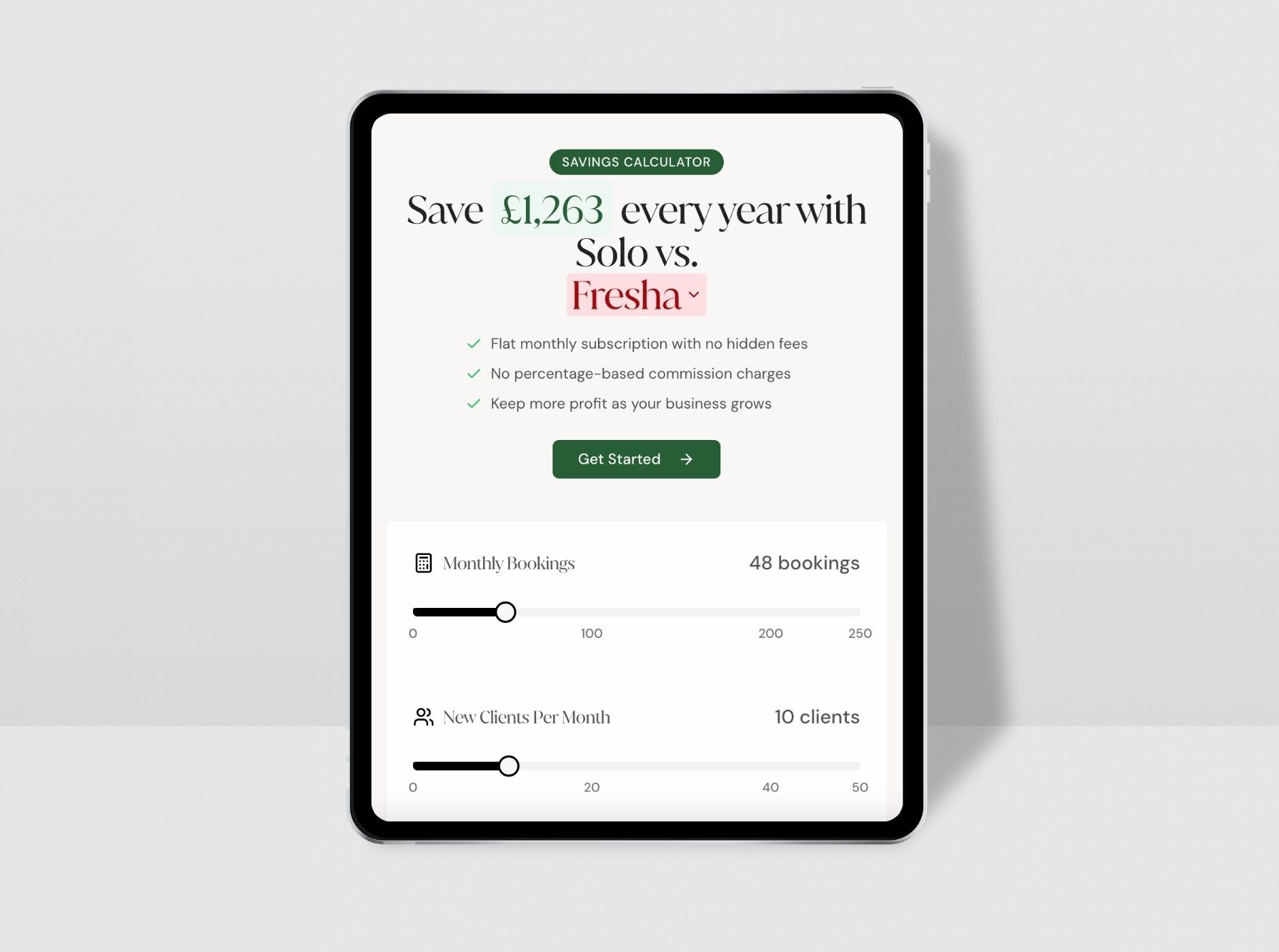
See How Much You Could Save by Switching to Solo
Still using another booking platform like Booksy, Ovatu, or something else? You could be spending way more than you need to. That’s why we’ve built a new tool to show…

How to increase your customer tips
Find key suggestions for independent beauty professionals on subtly encouraging tips from clients. Explore strategies such as providing an exceptional, personalised…
FAQ
Questions, answered.
Does this include cash payments?
Yes, if you add them. Cash, card, bank transfer and other payments can all be added manually, so the income summary reflects everything you earned rather than only what ran through Solo.
Can I set it to my tax year?
Yes. You choose the start and end dates, so you can match your own accounting period exactly.
Are processing fees included?
They appear as an expense, so you can see both what you took and what you kept without working it out yourself.
Can I see the individual payments?
Yes. The booking payment log lists each payment by client and date, and Stripe transactions show every payment and payout in and out of your account.
Know what you earned without a spreadsheet.
30-day free trial. No credit card required. Cancel any time.
Related features
Better together.
Pricing
Simple pricing. Everything included.
Every booking feature is included in one plan. No per-booking fees, no commission, no add-ons.
Most popular
Website & Booking System
Everything: website, bookings, payments and marketing in one.
£30 / mo
Try for free → Professional website & Google listing
Booking page & calendar
Deposits & cancellation fees
SMS + email reminders
Card payments & tips
Marketing, loyalty & referrals
Move in from any marketplace
Salon
For a team sharing one diary and a front desk.
£30 / mo per seat
Talk to us → Everything in Website & Booking System
A login and calendar each
Roles and permissions per person
A price per person, per service
The team calendar for the whole floor
Priority human support
Just starting out? Message us on WhatsApp to see if you qualify for our Starting Out discount.

Ready to grow your business?
The all-in-one solution that simplifies running one. Try Solo free for 30 days, no credit card needed.
Get started for free →